
Searching for a Warrant in Montgomery County
The Montgomery County Sheriff's Office (MCSO) lets the public search active warrants by name or number. Its portal is an agency lead, not a unified court index or official confirmation; JP and municipal cases may require a separate check. Use the full last name and first letter of the first name, with an optional middle initial, or a known warrant number. There is no date-of-birth field. Confirm a match with the issuing court before acting.
- Use MCSO's name or warrant-number search and complete human verification.
- Check the JP or municipal court named on the case paper.
- If no result appears, ask the likely court; no dedicated public warrant phone line was found.
- Route federal or out-of-county questions to that jurisdiction's official source.
Montgomery County Warrant Portal's Actual Search Fields
The public page offers two routes: a name search or a warrant-number search. The search will not run until its human check is complete. These visible controls are limited; the portal does not display a court or status filter.
| Visible field | Required | What it does |
|---|---|---|
| Last name | Yes | Full last name. |
| First name | Yes | First letter is enough. |
| Middle initial | No | Optional. |
| Warrant number | Number search | At least one character. |
| Human verification | Yes | Enables the search. |
The landing page shows no date-of-birth, court, warrant-type, or status filter and no sort or export control. See the Sheriff's official search page for the current fields.
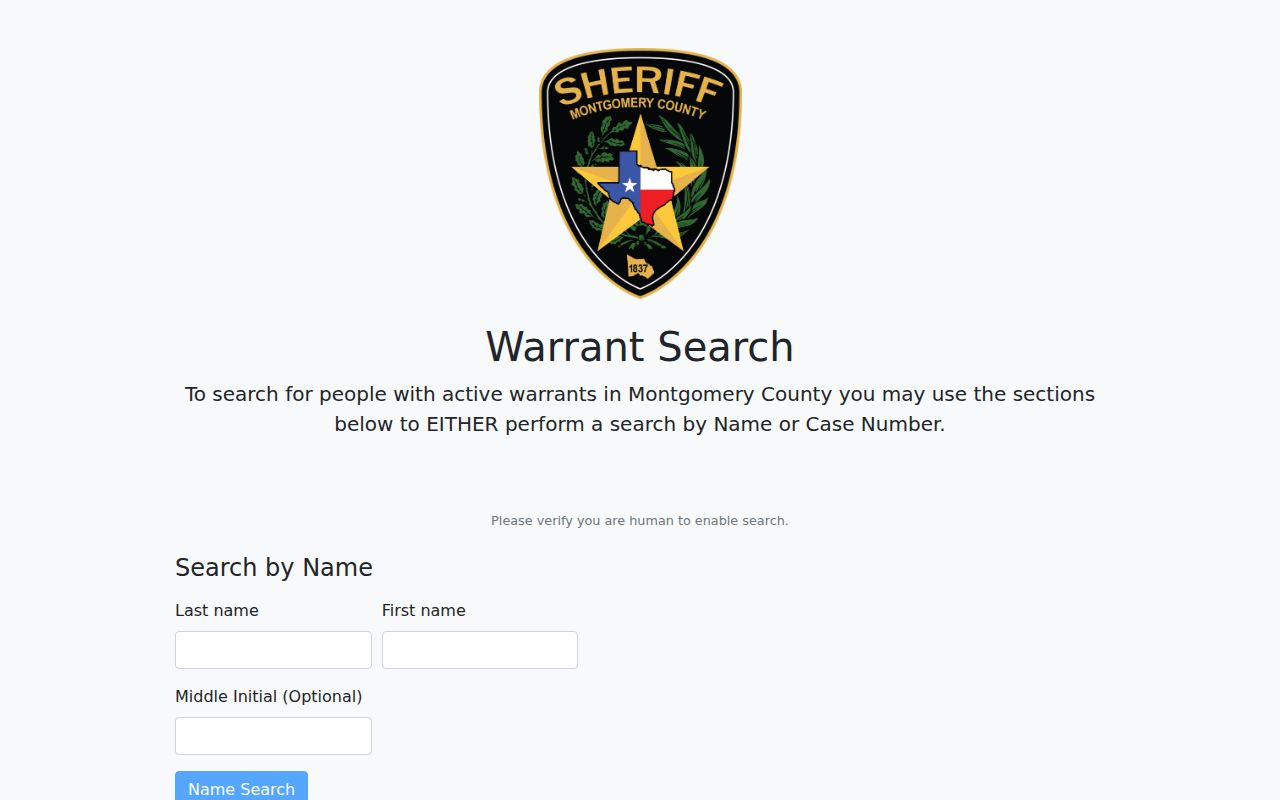
Its update notice can change. Ask the court for current status.
Warrant Search Fields Explained
A search field identifies what was entered, not a confirmed warrant. A name match may need review by the custodian, while a number from a court paper can narrow the question. The public form has no date-of-birth field; do not add sensitive details to an unofficial search.
Montgomery County Warrant Search Does Not Cover Every Court
MCSO has no city, precinct, case-type, or court selector, and the public page shows no sample result before verification. A no-result search may still need a separate clerk check.
Keep the citation or case caption. City matters belong to their municipal court; a JP ticket follows the precinct printed on it. Ask that custodian to check the case.
Search scope: The Sheriff's portal is a county agency lead. It does not combine all public court dockets or prove that a case is clear.
What a Warrant Search Shows
The public page does not expose a sample result before human verification. Do not assume it will show bond, charge, court, or service status. Use any case reference to ask the custodian what the entry means and whether it remains active.
| Warrant number | Use the exact value provided by the official source, such as number supplied by court. |
|---|---|
| Charge / offense | Ask the issuing court to explain any abbreviation or charge text. |
| Issuing court | Use this to identify the clerk or judge who controls the case. |
| Bond or amount | Confirm the current amount with the court; a search page may not show it. |
| Status | Ask if active, served, recalled, or otherwise disposed; do not infer from an old result. |
Montgomery County Warrant Checks Depend on Separate Case Dockets
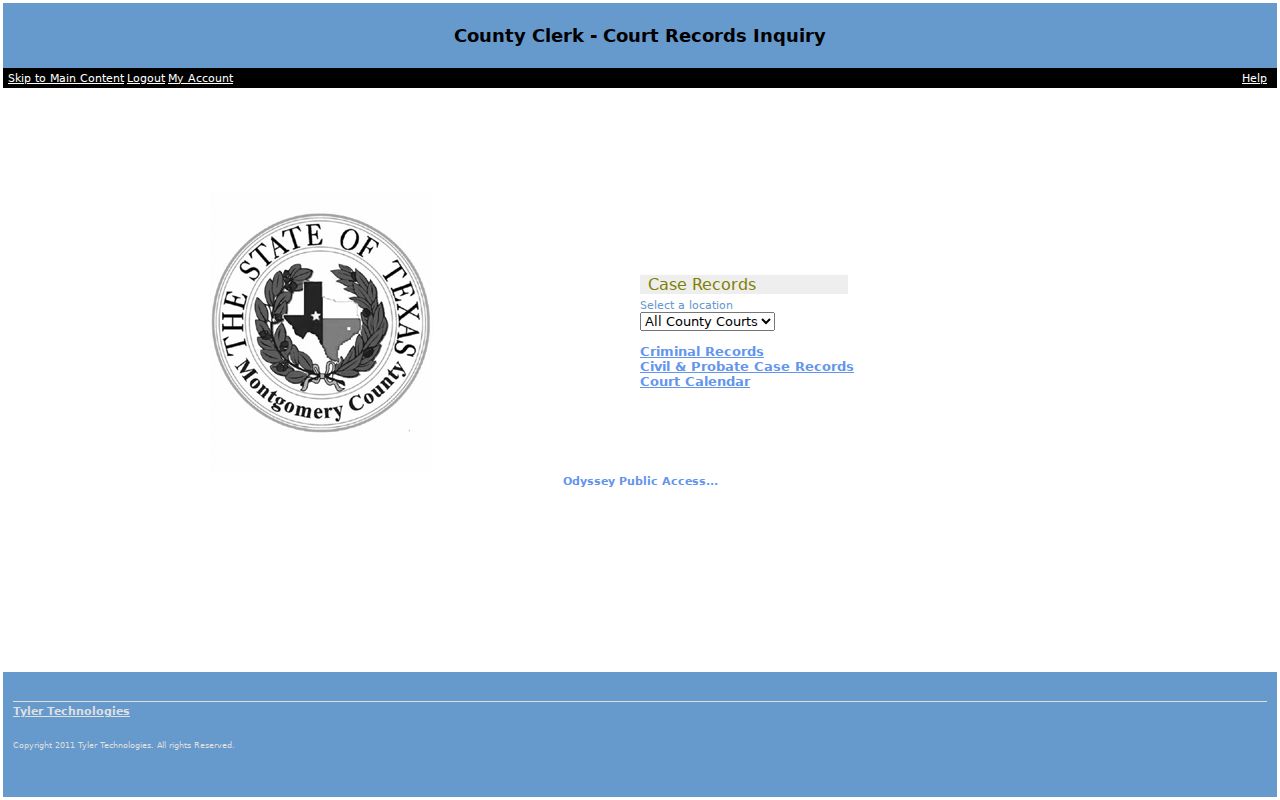
Odyssey separates County Clerk Criminal Records from Civil and Probate records and the Court Calendar. The District Clerk has its own Case Inquiry and docket routes. Check the correct clerk and category before treating a name-search gap as meaningful.
County Clerk records include county-level misdemeanors; the District Clerk holds felony records. JP and municipal courts maintain their own citation and FTA files. A public docket may omit restricted warrant material.
Use the District Clerk's public docket interface for the official case-record route.
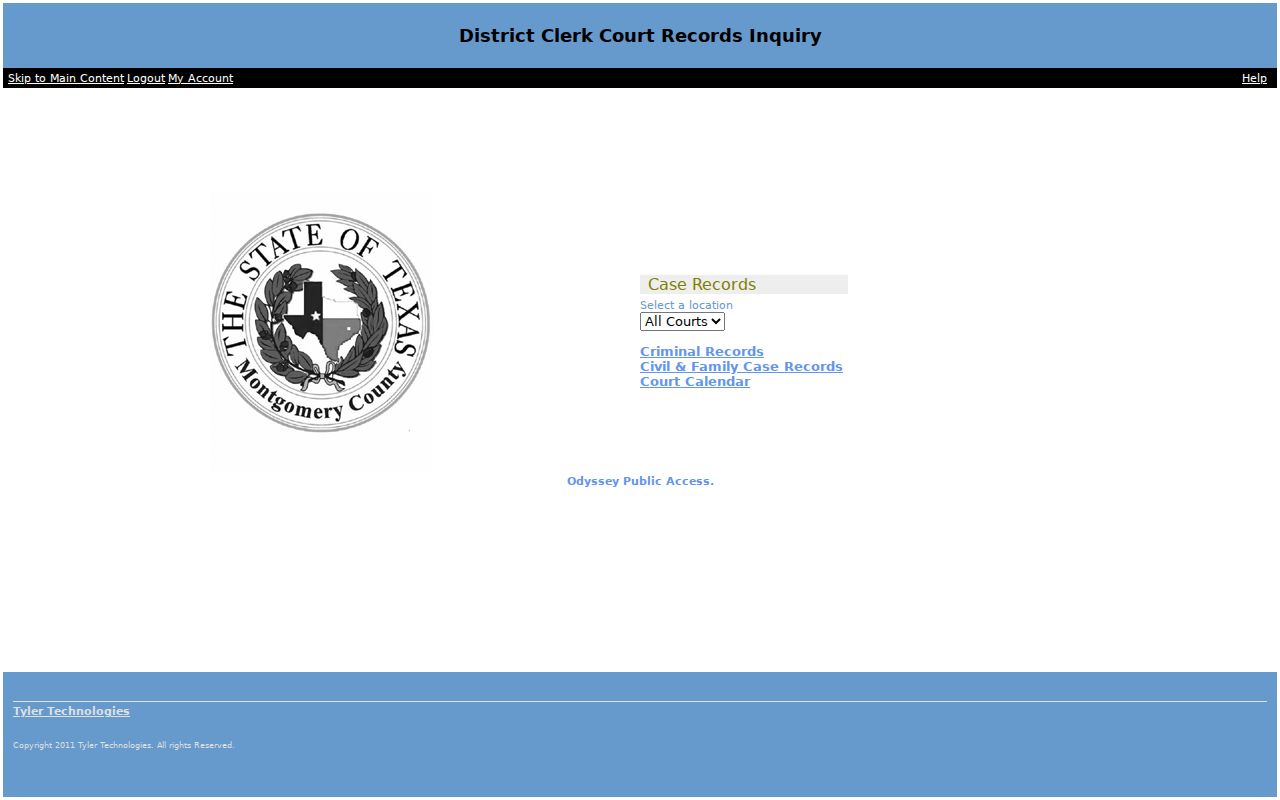
Match the clerk to the case, then ask how to verify a current order.
Where to Check Warrants in Montgomery County
Use the District Clerk for felony dockets and the County Clerk for county-level misdemeanors. JP and city citation cases stay with their issuing court; MCSO is an agency search, not the docket custodian for every court.
There is no general public statewide warrant lookup. TCIC and NCIC are law-enforcement systems; OmniBase serves participating FTA/FTP cases. Federal and out-of-county questions need their own official court or agency.
Montgomery County District Clerk
Felony case records
Case inquiry and records/research pages
Montgomery County Warrant Record Requests Use GovQA
MCSO routes Records/Open Records requests and tracking through GovQA. Its paper form allows email, mail, or pickup and accepts locators such as case number, date, incident type, or location. Some incident material may require additional review.
Public-information requests seek existing records and remain subject to exceptions. Identify the case rather than asking staff to search every system or give legal advice. No warrant-specific search or certification fee was confirmed.
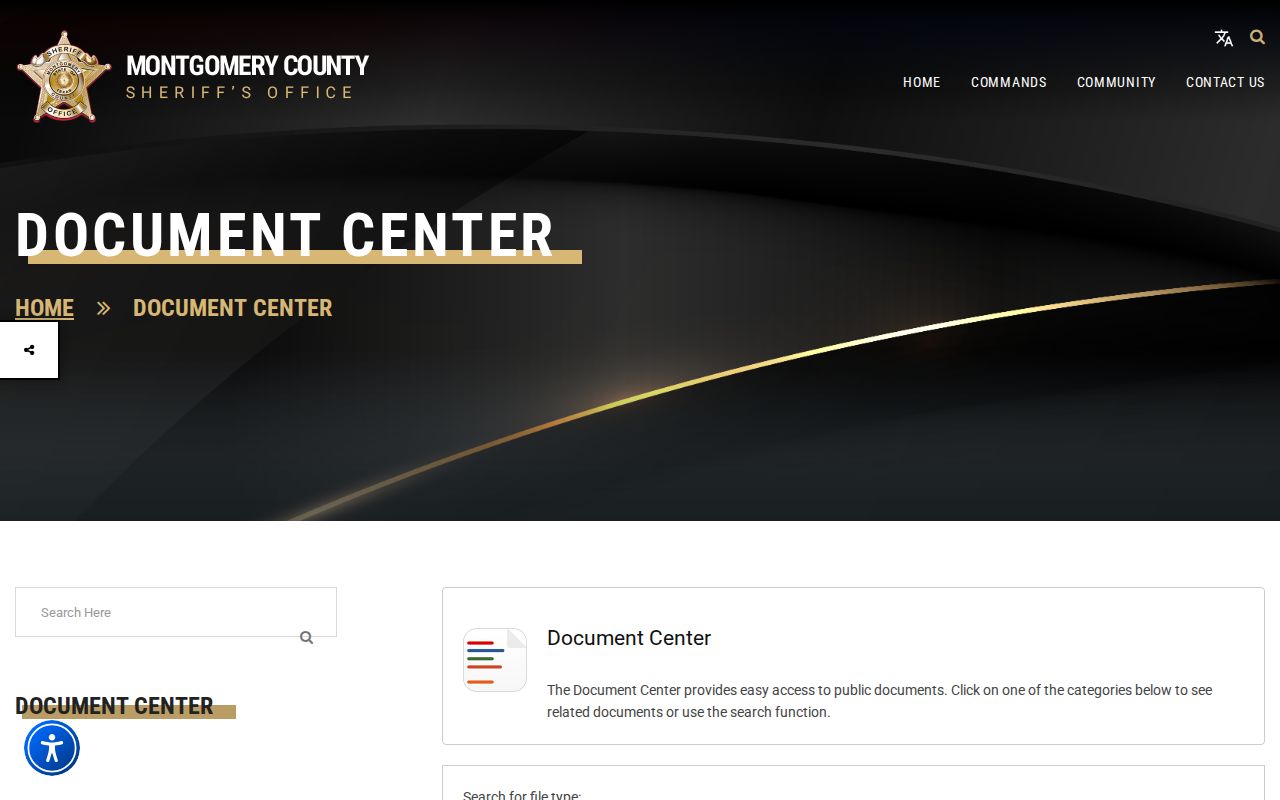
Keep the request number. A produced record does not establish current court status.
Restricted Warrants and Access Rules
Juvenile matters, sealed orders, search-warrant material subject to Chapter 18 limits, and some investigative records can be restricted. A missing public result does not prove that no warrant exists, particularly when another court owns the file.
Key Rules:
Sealed, juvenile, and protected material may not be public.
Another court's file or active investigation may not appear in MCSO search.
Verify a Montgomery County Warrant Search Result With the Court
MCSO describes its list as a public service, not official court record or confirmation that an order is active. The office asks visitors not to act on a listing. Contact the court shown on the case or ask a clerk to identify the custodian.
Odyssey separates criminal, civil and probate, and court-calendar records; the District Clerk has its own inquiry and docket routes. Neither replaces a court's current instructions about payment, bond, appearance, or recall.
Open the County Clerk's Odyssey Public Access page to see the case categories.
Use MCSO Records/Open Records for an existing agency document; a request does not create a live status determination.